Placed on your eyes
LashMuse finds your eyes automatically and places the lashes for you. Adjust position and angle anytime for a natural finish.
TRY BEFORE YOU POST
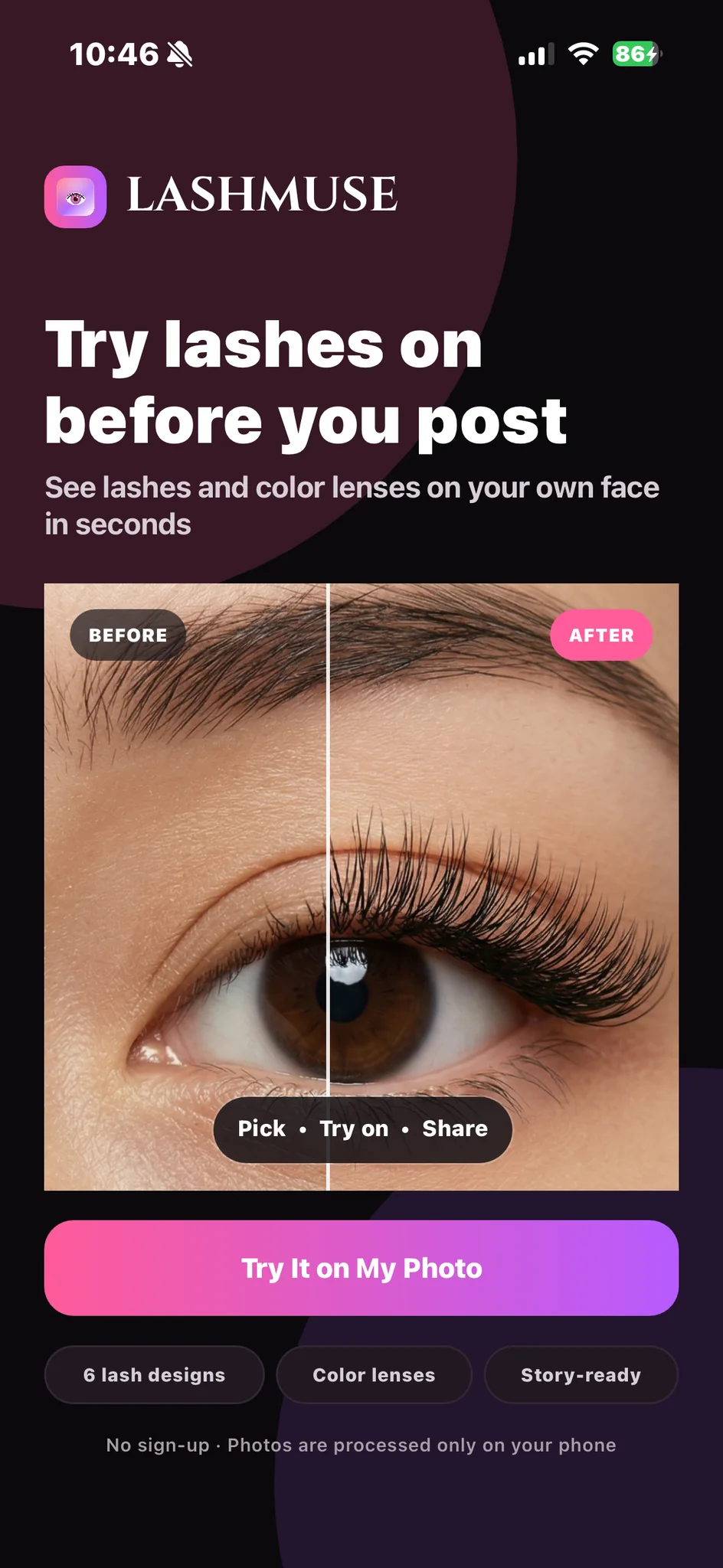
See 6 lash designs and color lenses on your own face in seconds, on a photo or live through your camera. Compare side by side, pick with confidence, and share.

WHY LASHMUSE
Before a salon visit, a new product, or your next post, see which lashes really suit you, right on your own face.
LashMuse finds your eyes automatically and places the lashes for you. Adjust position and angle anytime for a natural finish.
Natural, Daily, Cat eye, Doll eye and more. Slide the Intensity from lighter to bolder, change the lash color, and add color lenses.
Hold Before/after while editing, or drag the slider on the result, to see the difference instantly.
No sign-up. Your photos and face data are processed only on your phone and are never uploaded.
HOW IT WORKS
Four simple steps. No complicated editing.
Pick
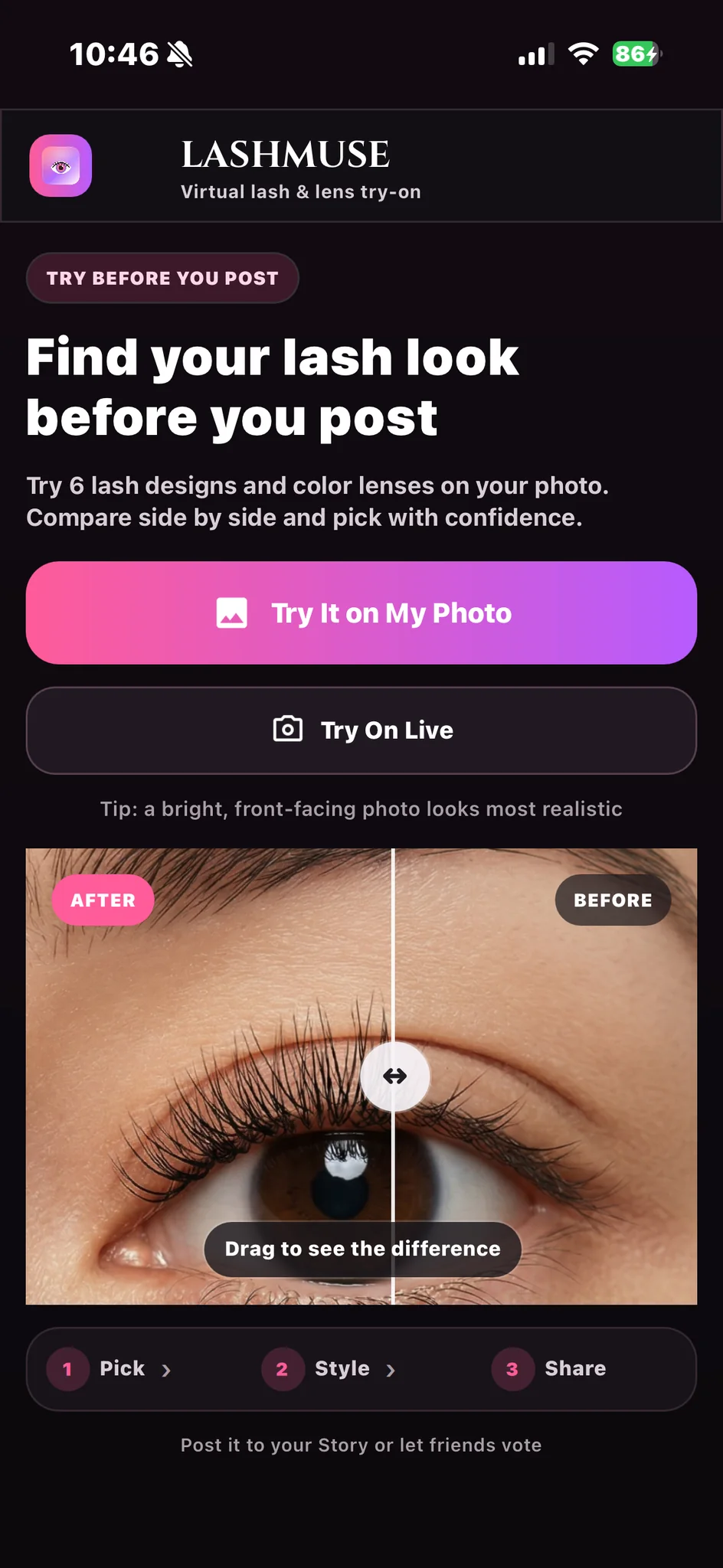
Choose a photo from your library or try lashes on live with your camera. A bright, front-facing photo looks most realistic.
Try on
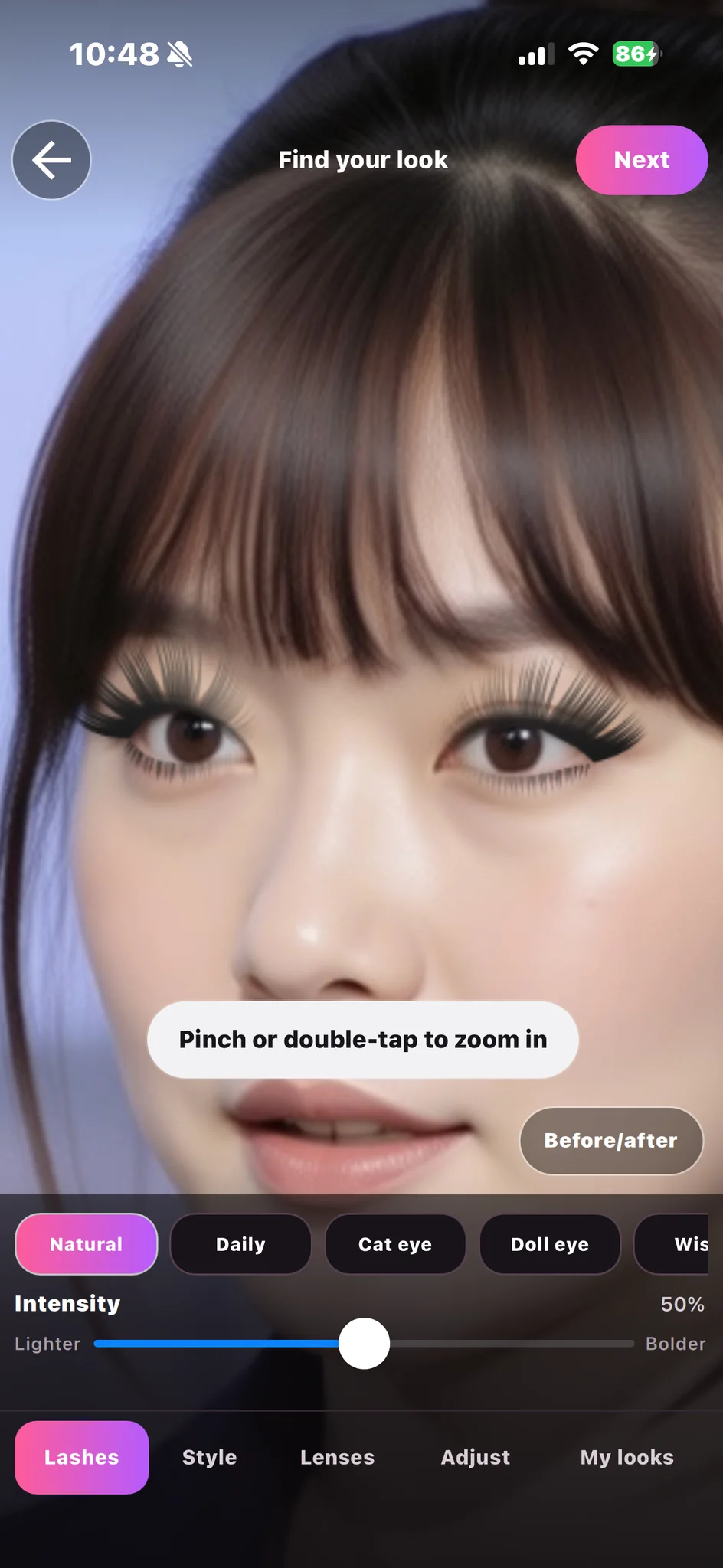
Tap a design and slide the Intensity from lighter to bolder. Pinch or double-tap to zoom in on the details.
Style
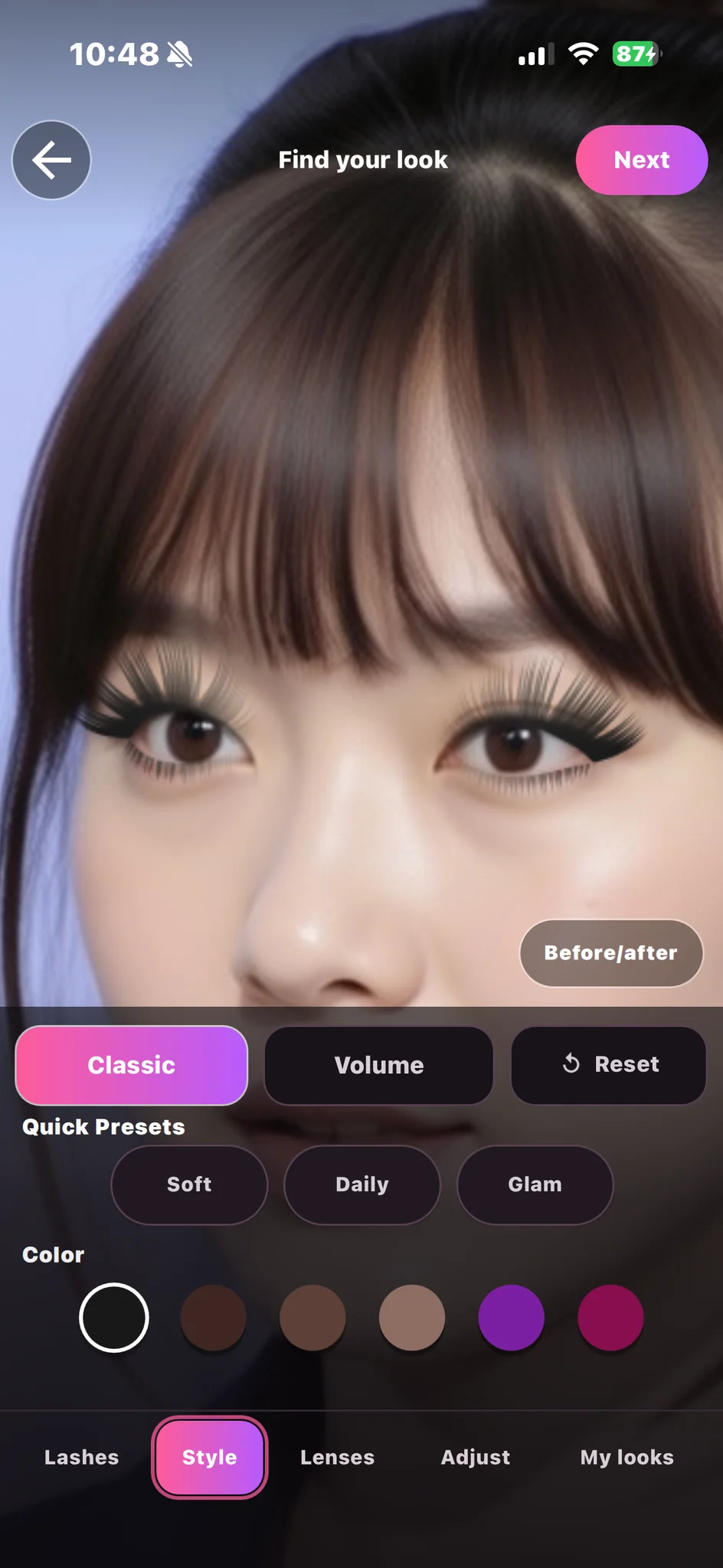
Switch between classic and volume, try quick presets and lash colors, and add color lenses. Tap Reset to go back to the default anytime.
Share
Save in full quality, share a Story-ready image, send a salon style card to your lash artist, or create a Before → After reel.
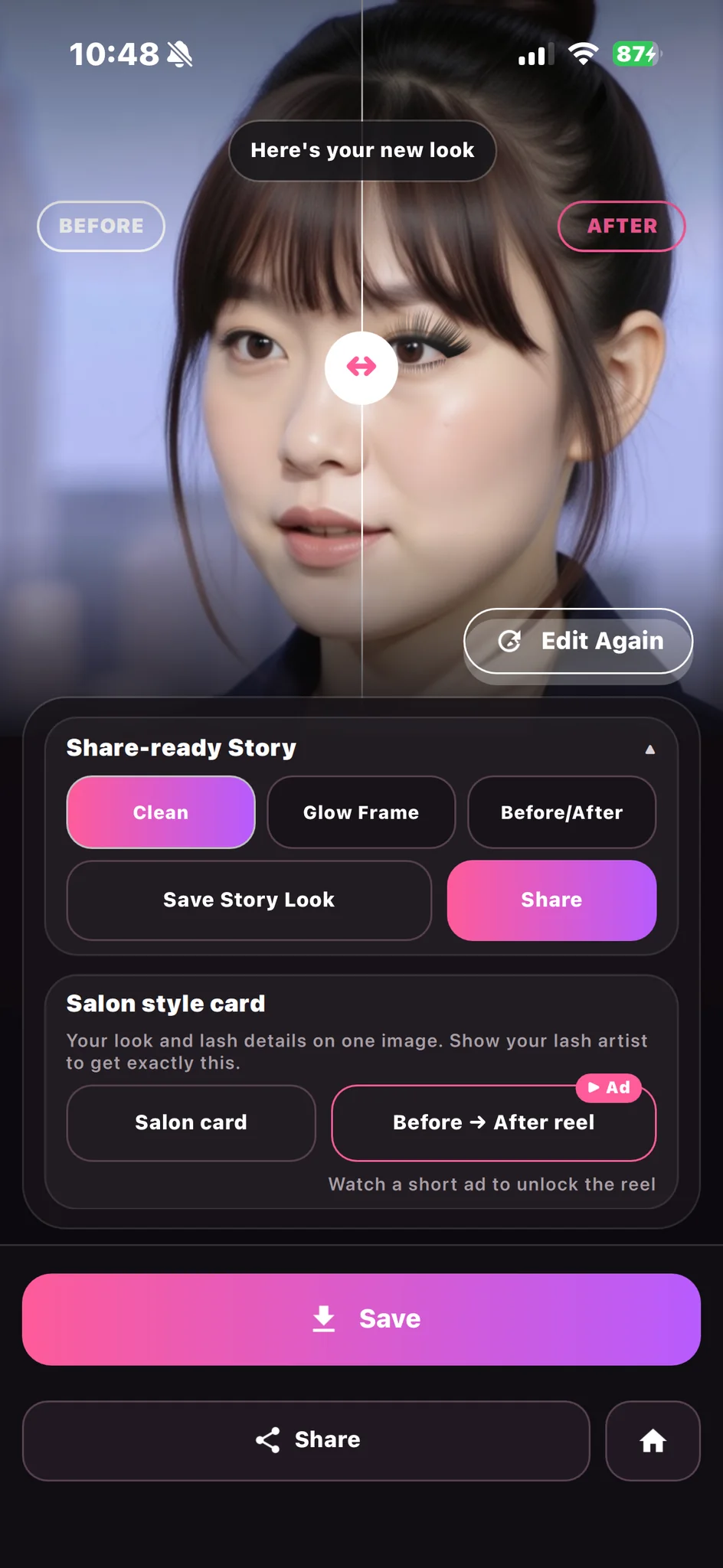
SEE THE DIFFERENCE
Drag the slider on the result to compare your original and finished look, then jump back in to refine it.
INSIDE THE APP
Explore the styling flow through real LashMuse app screens.

GET THE APP
Point your iPhone camera at the QR code to open LashMuse on the App Store. Free to download.
Or open the App Store link on your iPhone. apps.apple.com/app/id6760812078
FAQ
Six lash designs, classic and volume lashes, lash colors, intensity from lighter to bolder, and color lenses, on your own photo or live through your camera.
Yes. All designs, lenses and full-quality saving are free, with no watermark. LashMuse is supported by ads.
No. Your photos and face data are processed only on your phone. They are never sent to us or to advertising partners.
Yes. Hold Before/after while editing, or drag the slider on the result screen.
Yes. LashMuse is available on the App Store for iPhone and iPad with iOS 17 or later. Availability varies by region.
YOUR LOOK, YOUR STORY
Choose a photo, find your look, and share it the moment it feels right. Free on iPhone.
Download on theApp Store